Information Fragments
Important updates arrive through different people, systems, calls, messages, and reports without one shared operational picture.
Trusted operational visibility, verified updates, and continuity support as conditions change.
The problem is rarely a lack of effort. Under pressure, updates become fragmented, ownership becomes unclear, and critical context can be lost between people, shifts, teams, and agencies.
Important updates arrive through different people, systems, calls, messages, and reports without one shared operational picture.
Unconfirmed information can be repeated as fact, creating blind spots, delay, and avoidable operational risk.
Teams may know what happened without knowing who owns the next action, when escalation is required, or whether the issue is truly closed.
As shifts and conditions change, critical decisions, open items, and watch points can be delayed, misunderstood, or lost.
Resilience restores a shared operational picture so people can verify what changed, know what matters now, maintain continuity, and act with confidence.
Receive verified updates as conditions evolve.
Operational priorities surfaced, clarified, and tracked.
Preserve continuity across shifts, teams, agencies, and incidents.
People remain responsible. Technology supports.
GATEKEEPER
Controlled Access for Authorized Participants
During fast-moving operations, information can arrive from many sources with different levels of certainty. Gatekeeper helps distinguish verified information from developing, conflicting, or unconfirmed reports before they influence operational decisions.
Verified. Time-stamped. Traceable. Clearly qualified.
The objective is simple: preserve operational truth without slowing human judgment.
Phase 0 establishes readiness before operational activation. During this stage, Mavensoft and the client confirm communication paths, roles, escalation rules, systems, operating conditions, and readiness criteria. Gatekeeper opens only when the required conditions have been reviewed, verified, and cleared to proceed.
Phase 1 develops the operating discipline that sustains Resilience. During the implementation period, teams practice the workflows, handoffs, verification standards, escalation paths, and pressure-response routines defined during Phase 0. For many organizations, this work may span approximately six months, although the schedule is flexible and is adjusted to the organization’s operational needs, readiness, size, and pace of adoption. Gatekeeper remains a control point throughout that process, helping confirm when operations may proceed, when additional verification is needed, and when a hold should remain in place.
In practice, Gatekeeper opens when readiness is verified and the appropriate human authority clears the organization to proceed. It closes or holds when critical information becomes unverified, conditions materially change, required controls fail, or ownership becomes unclear. It reopens only after the issue is resolved and readiness is verified again.
NOTE — DYNAMIC INCIDENT ACCESS
During Watch or Red Alert operations, authorized incident participants may invite additional authorized responders by email address or mobile phone number as operational needs change. Access is verified, role-based, time-limited, and fully auditable, with View Only as the default permission unless additional access is specifically authorized. Each authorized responder may invite other authorized responders within established incident rules while preserving identity verification, invitation history, role assignment, activity logging, and immediate revocation controls. The objective is to enable rapid operational collaboration without compromising security, accountability, or Operational Truth.

Controlled Access for Authorized Participants
A single operational picture built around verified updates, continuity, ownership, and escalation management.
Separate confirmed information from unknowns, conflicting reports, and developing conditions so decisions are grounded in the best available operational truth.
Keep owners, next actions, escalation paths, and review times visible so responsibility does not disappear as conditions change.
Preserve what changed, what remains open, and what the next team needs to know so operational awareness survives every handoff.

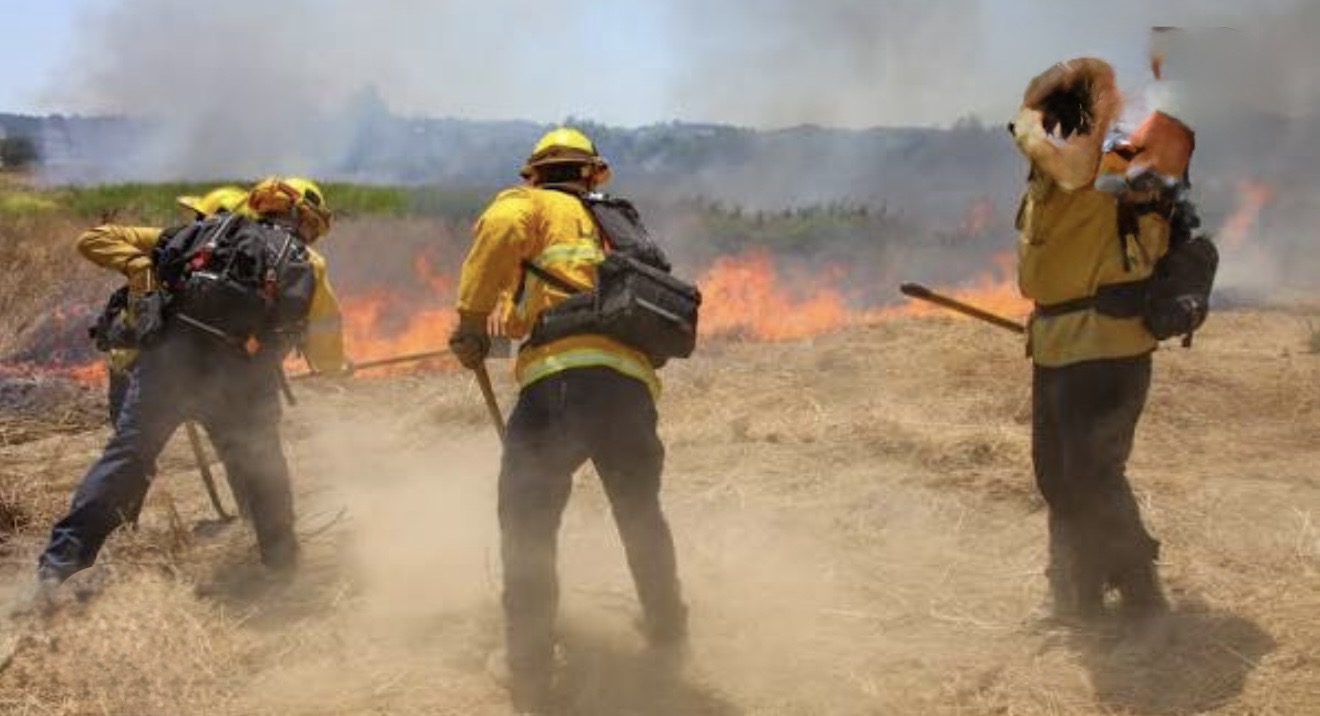
Operations are stable. Teams maintain readiness, verify information, preserve operational awareness, and monitor for meaningful change.
Conditions require closer observation. Operations continue while monitoring, verification, safeguards, ownership, and escalation readiness increase.
Active or imminent disruption requires coordinated incident support, accelerated reporting, verified information, clear handoffs, named decision authority, and sustained operational awareness.
Local knowledge matters. A designated local liason helps preserve continuity, coordinate information flow, maintain operational awareness, and keep ownwership clear as conditions change.
Designated by the client
Included During Watch and Red Alert Support



Resilience increases monitoring, verification, liaison coordination, reporting, handoffs, and continuity support as conditions change. Client leadership retains decision authority.
For complete operational guidance, activation terms, billing details, sample reports, and implementation requirements, see Resources.
Sample Operational Record — Major Ice and Winter Storm
A major winter system produces heavy snow, ice accumulation, dangerous travel, power disruption, communications challenges, and rapidly changing field conditions. Resilience preserves one continuous operational record as conditions escalate, stabilize, transition through All Clear, and move toward verified Full Closure.

Sample Situation Report — 06:00
Next Review: 08:00

Updated Situation Report — 10:00
Next Review: 12:00
Carry Forward: Two substations remain under assessment. Secondary route remains closed. Backup communications are functioning. Utility liaison retains ownership. Next review scheduled for 14:00.

Recovery Transition Report — 18:00
Transition: Client leadership authorizes movement from Red Alert to Watch.
All Clear ends the alert posture. It does not erase unfinished work.
Operational Record Complete.
Not perfectly, but faithfully.
Information must move — and be understood — when conditions are changing.
Resilience helps preserve communication continuity across field teams, Client Operational Liaisons, Mission Control, leadership, agencies, and operational partners. A communication is not complete because it was sent. Resilience preserves source, timestamp, acknowledgement, ownership, next action, and escalation status so critical information remains usable across teams and shifts.

Critical information often begins in the field. Resilience helps preserve what was observed, what changed, what remains uncertain, and who owns the next action.
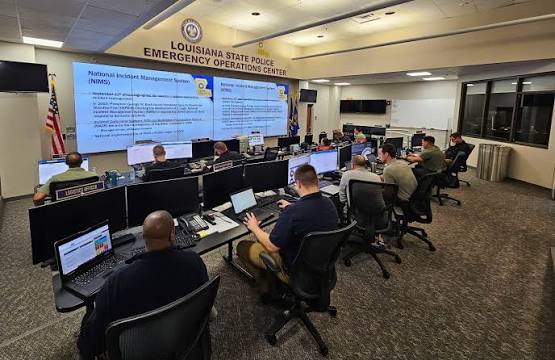
Incoming information is organized so teams can distinguish confirmed information from unresolved questions, preserve ownership, and maintain a common understanding as conditions change.

Communication must survive changes in people, teams, and shifts. Open items, next actions, risks, and ownership carry forward rather than disappearing when responsibility changes hands.
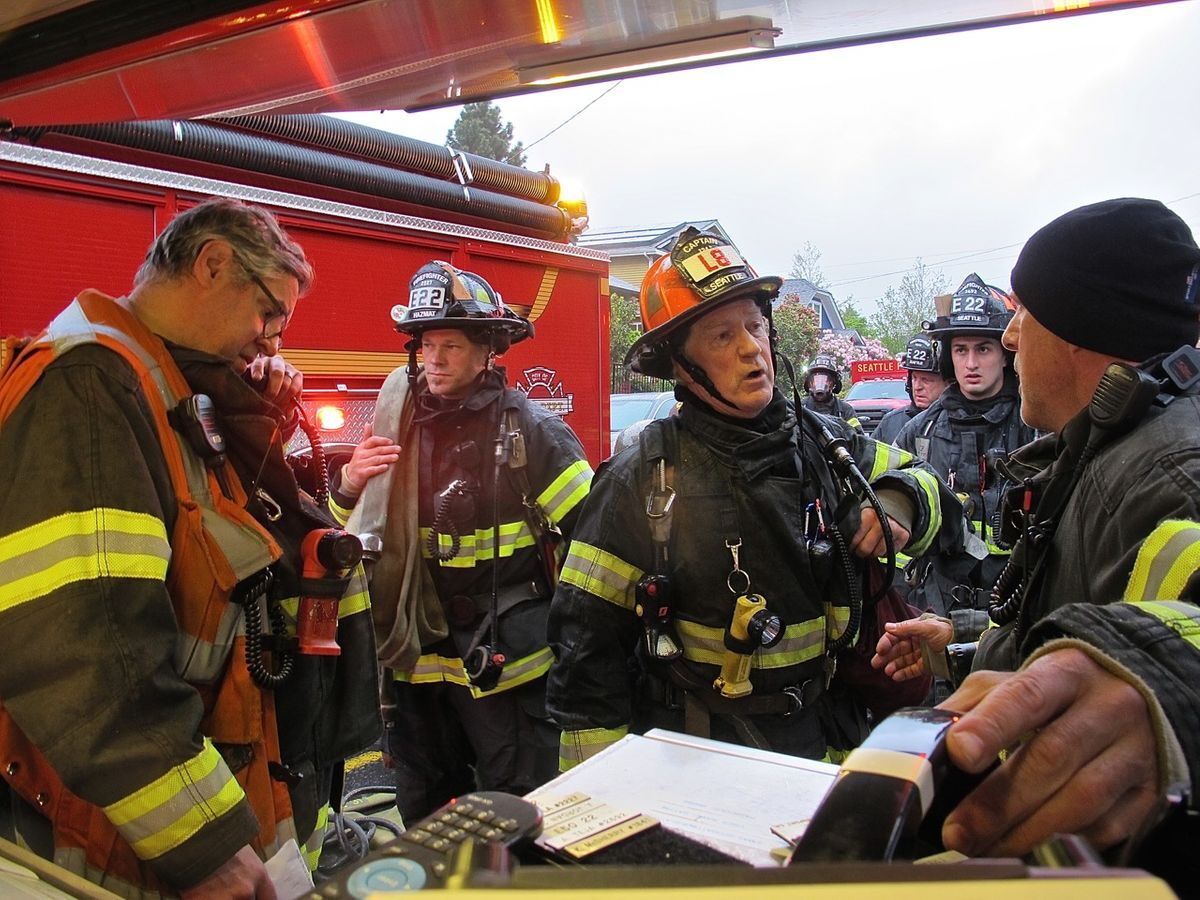
Sending is only the beginning. Resilience supports acknowledgement, confirmation, recording, ownership, and escalation so important information becomes operationally usable.
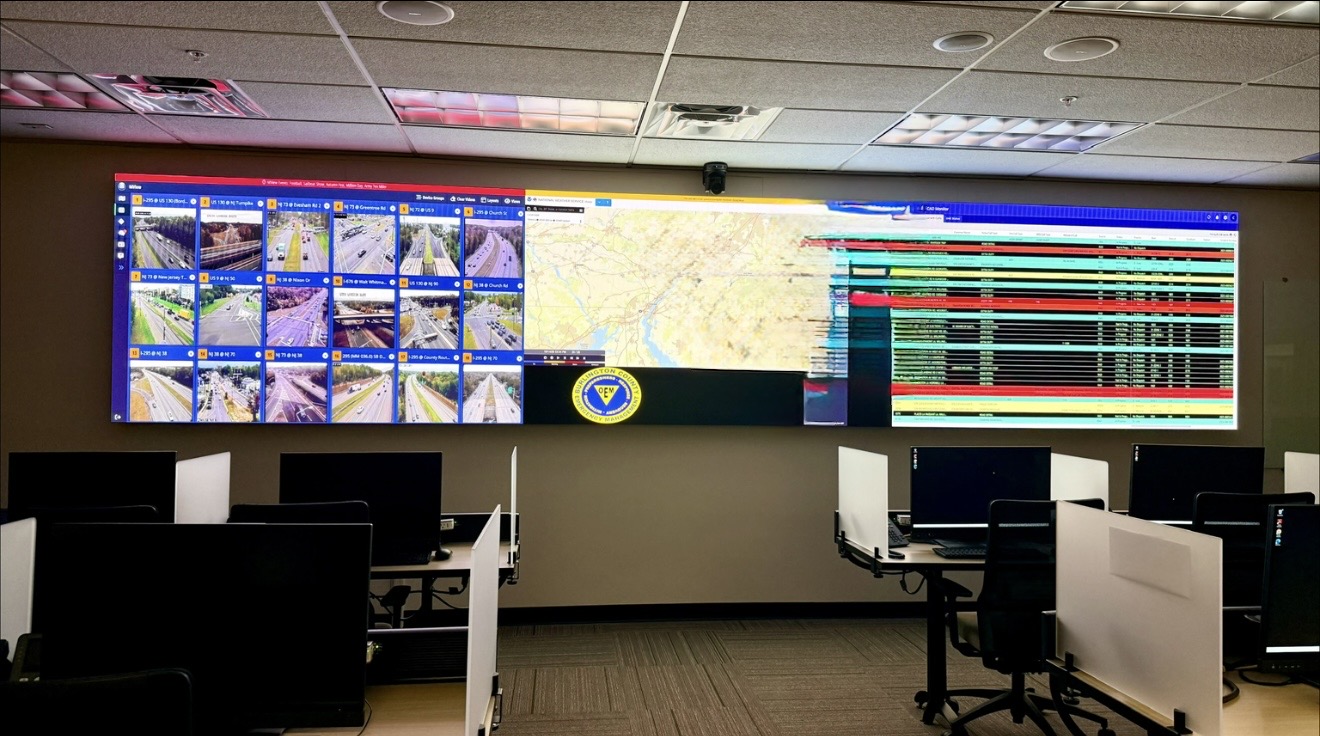
Maps, status information, field updates, and other operational inputs can be brought together into a shared view so authorized teams are working from the same current reality.
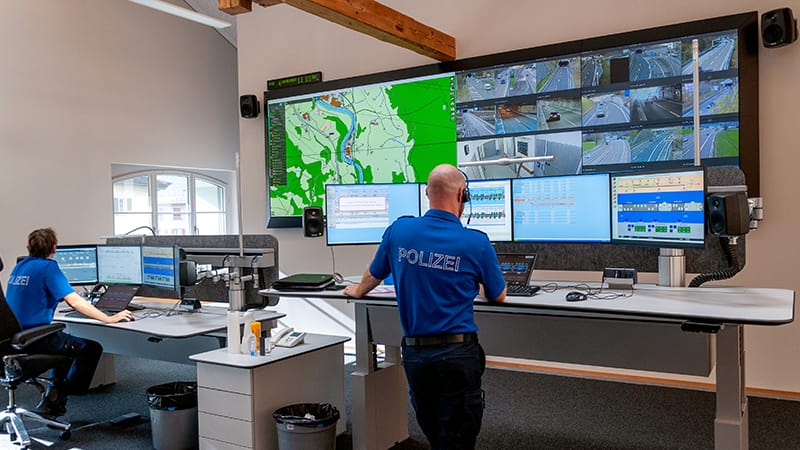
Live cameras, monitoring systems, dashboards, and other authorized feeds can extend situational awareness while human judgment remains responsible for interpretation and action.
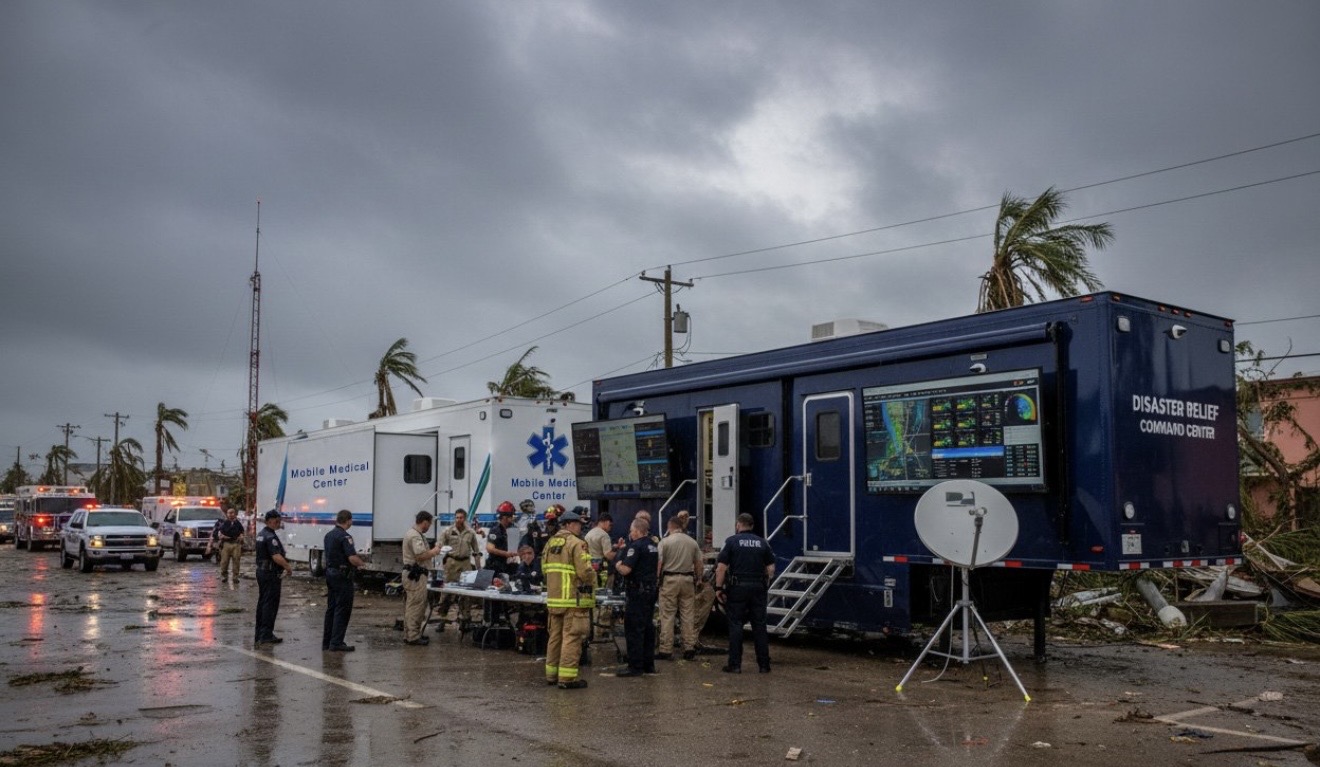
When a primary communications path weakens or fails, approved alternate paths may include cellular, satellite, portable network, radio, or other available communications methods appropriate to the Client environment.

If digital systems become limited, operational continuity does not stop. Approved manual logs, offline tools, alternate communications, and later reconciliation help preserve the operational record until normal systems are restored.
Resilience preserves more than the message. It preserves the source, time, verification state, acknowledgement, ownership, next action, escalation status, and operational record so important information remains usable across teams and shifts.
Important information remains visible from first report through operational action and preservation.
Resilience makes primary, alternate, and contingency communication paths visible before and during degraded conditions.
Where supported, authorized users may continue capturing text, photographs, video, voice, timestamps, GPS, assignments, and checklists while connectivity is unavailable.
OFFLINE · 7 ITEMS STORED LOCALLYStored information retains its operational context. Synchronization status and failed transfers remain visible when communications return.
CONNECTED · SYNCHRONIZING 7 OF 7A shift change does not erase unresolved information.
It is the most useful verified information reaching the people who need it while it can still influence decisions.
Before activation, Resilience works with your organization to establish:
The objective is readiness before pressure arrives.
Start Phase 0 Readiness IntakeFROM COMMITMENT TO OPERATION
The application, customer-specific order and V8.5 acceptance establish the commercial pathway. Resilience does not begin operational work until the initial 50% payment clears.
Confirm outcomes, people, authority, postures, communications, equipment, sources, safeguards, scenarios and readiness conditions.
Configure, connect, validate and launch the approved customer-specific Resilience environment.
Before launch, Mavensoft and the customer validate access, roles, communication paths, authorized inputs, escalation, shift handoffs, degraded-connectivity procedures, security, audit history, retention, backup and recovery.
Phase 1 activates only after Phase 0 is complete, the remaining payment is received and authorized people approve launch.
RESILIENCE CONNECTOR
Connector brings approved systems, communications, reports, sensors, external feeds and human observations into a protected operational view while preserving source, timing, authority, uncertainty and conflicting observations.
Dispatch, GIS, weather, alerts, radios, email, text, satellite, incident systems, client databases, documents and field observations.
Provenance, timestamps, permissions, uncertainty, conflicting reports and the decision basis remain visible.
Technology can surface patterns and changes. Authorized people determine operational truth, escalation and closure.
RESILIENCE SAORT
Readiness is built before pressure arrives and strengthened through supervised practice, alternate outcomes, observation, after-action learning and verified transfer into operations.
Clarify roles, basics, safeguards, communication fallbacks, authority and expected outcomes.
Practice changing conditions, incomplete information, handoffs, escalation and coordinated human judgment.
Reconstruct decisions, identify residual risk, transfer learning and track readiness changes into future operations.
I AM PREPARED. I AM ALIGNED.
A DELIBERATE CUSTOMER JOURNEY
The six-step workflow saves progress on the customer’s browser, supports return and revision, accommodates purchase-order upload when required, generates a customer-specific Resilience order and requires deliberate V8.5 electronic acceptance by an authorized representative before submission.
Begin or Return to the Resilience WorkflowRESILIENCE RESOURCE CENTER
Practical resources that support readiness, active operations, training, handoffs, recovery, and continuous operational learning.
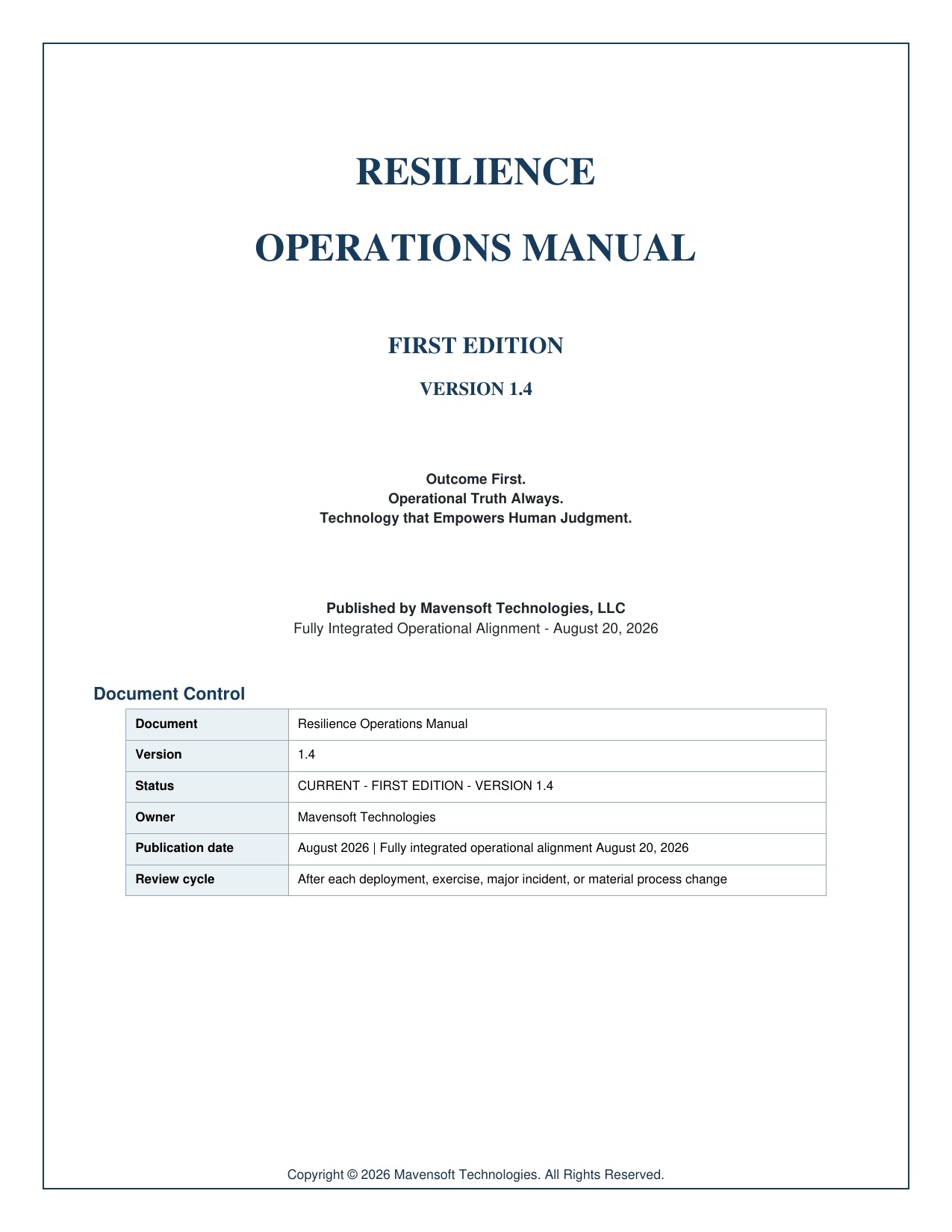
The practical operating reference for preparing, activating, coordinating, handing off, recovering, and returning to normalized operations with Resilience.
Open Operations Manual →
Representative wildfire, flood, and earthquake reports demonstrating operational continuity, handoffs, verification, ownership, external information feeds, and recovery.
Open Sample Operational Reports →
Practical field and Mission Control references for readiness, Watch and Red Alert operations, handoffs, multi-agency coordination, escalation, recovery, external information, and post-operational review.
Open Operational Guides & Checklists →
Practical readiness training, operational drills, pressure testing, handoff practice, Observe While You Act, Dynamic Incident Access, degraded-connectivity exercises, and Post-Operational Review.
Open Training & Exercises →
Quick answers about implementation, operational authority, existing systems, communications, AI, cybersecurity, access, reporting, and recovery.
Open Questions & Answers →
The current commercial, operational, access, payment, security, participation, and electronic-acceptance framework for Mavensoft Resilience and Mavensoft Continuum.
Open Terms & Conditions →How Resilience is prepared, activated, operated, handed off, reviewed, and returned to normalized operations.
Representative readiness reviews, shift and handoff reports, incident summaries, verification records, and executive reports.
Practical tools for readiness, Watch and Red Alert operations, communications, liaison, escalation, handoffs, recovery, and closure.
Phase 1 training, operational drills, pressure testing, Observe While You Act, and Post-Operational Review.
Clear answers about Phase 0, Phase 1, implementation, support, access, security, responsibilities, reports, and deployment.
The governing commercial, operational, access, payment, security, and participation terms for Resilience.
RESILIENCE SUPPORT
Support depends on the customer’s current authorized posture. Normal support is provided through established office-support channels. Expanded operational support begins only when Watch or Red Alert is authorized and the applicable customer support arrangement is active.
Tickets, customer questions, account assistance and technical-support routing are handled through established Mavensoft channels during normal office hours. AI and self-service resources may remain available outside staffed hours, but they do not represent continuous human operational coverage.
Increased monitoring, verification, liaison coordination, Current Reality review, escalation awareness, and ordinarily three structured updates per 24-hour period.
Coordinated incident support, accelerated reporting, verified updates, liaison support, communications continuity, shift-to-shift continuity, decision continuity, and ordinarily 2–4 hour refresh cycles. Continuous 24/7 operational coverage applies only when specifically authorized, activated and resourced under the customer’s approved arrangement.
Resilience support liaisons work with designated Client liaisons to preserve communication flow, ownership, handoffs, and continuity. Liaison support does not replace Client command authority, operational control, or decision responsibility.
Authorized responders may be added as operational needs change through verified invitation, individual credentials, role-based permissions, time-limited access, and View Only access where appropriate. Access may be reviewed, changed, or revoked as conditions and responsibilities change.
Activated customers: Phase 0 confirms the authorized contacts, liaison path, escalation method and incident-support channels. Those protected channels—not the public contact form—govern Watch and Red Alert operational support.
PHASE 0 READINESS INTAKE
The Phase 0 Readiness Intake helps your organization understand the process, identify preliminary needs, review likely costs, and determine whether a formal Phase 0 engagement is the right next step.
Submitting preliminary information does not create a contract, authorize work, schedule a pressure test, or create a financial obligation.
Phase 0 begins only after Mavensoft reviews and approves the application, the organization and Mavensoft agree to the scope, the contract is signed, required payment is received, and onboarding requirements are completed.
Review what Phase 0 includes, how the process works, available service levels, pricing ranges, and what must be in place before pressure testing.
Tell us about your organization, operating environment, current systems, communications, equipment, staffing, known gaps, and desired outcomes.
Work may be saved securely and completed over time. Nothing is formally submitted until an authorized organization representative chooses to review and submit the application.
Receive guided assistance, request help from a Mavensoft representative, or ask for a meeting with Sales, Operations, or Engineering when appropriate.
Review identified strengths, gaps, required actions, and the likely service level before submitting the completed application.
Mavensoft reviews the completed preliminary information, requests clarification when needed, and determines whether the organization is ready to move toward a formal Phase 0 proposal.
The survey identifies what the organization has, does not have, wants, and needs.
Required before the organization may proceed to pressure testing.
A condition that must be completed, corrected, assigned, or confirmed before testing.
An improvement that strengthens readiness but may not prevent the engagement from proceeding.
A useful future capability that is not required for the current Phase 0 scope.
Pressure testing occurs only after the organization is committed, approved, contracted, onboarded, and prepared.
Submitting the preliminary intake does not begin Phase 0, schedule a pressure test, or create a contractual obligation.
Phase 0 begins only after Mavensoft approval, agreed scope, executed contract, required payment, and completed onboarding.